iPhone / iPad · iOS 15.0+
Deaf BoardSpeech to Text
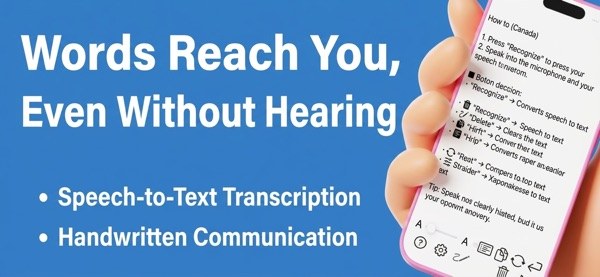
Two ways to communicate: voice recognition converts speech to text, and a drawing board lets you write by hand. For the deaf, hard of hearing & mute. 63 languages.
What it does
- 01
[VOICE RECOGNITION - REAL-TIME TRANSCRIPTION]
Speak into your microphone and your words appear instantly as text on screen. Clear, readable, and easy to follow — even for those with severe hearing loss.
- 02
[DRAWING & HANDWRITING BOARD]
Not a fast typist? Draw it instead. The intuitive drawing board lets you write by hand, customize pen thickness and color, zoom in with a pinch, and auto-save every session.
- 03
[TEXT TO SPEECH]
Can't speak? Let your phone do the talking. Type what you want to say and Communication Board reads it aloud — ideal for patients recovering from surgery, those with throat conditions,
- 04
[MIRROR TEXT DISPLAY]
Turn the screen toward the person in front of you and text automatically flips for easy reading. Perfect for bedside conversations, through glass partitions, or across a counter.
- 05
[HISTORY & SEARCH]
All voice-recognized text is automatically saved. Tag and filter conversations, search by keyword, and pull up past sessions in seconds — useful as a medical or care log.
Screens